
Exporting Reports
Export from Reports by choosing the Trends or Transactions tab, setting a date range and optional facility filter, then downloading a spreadsheet (.xlsx).
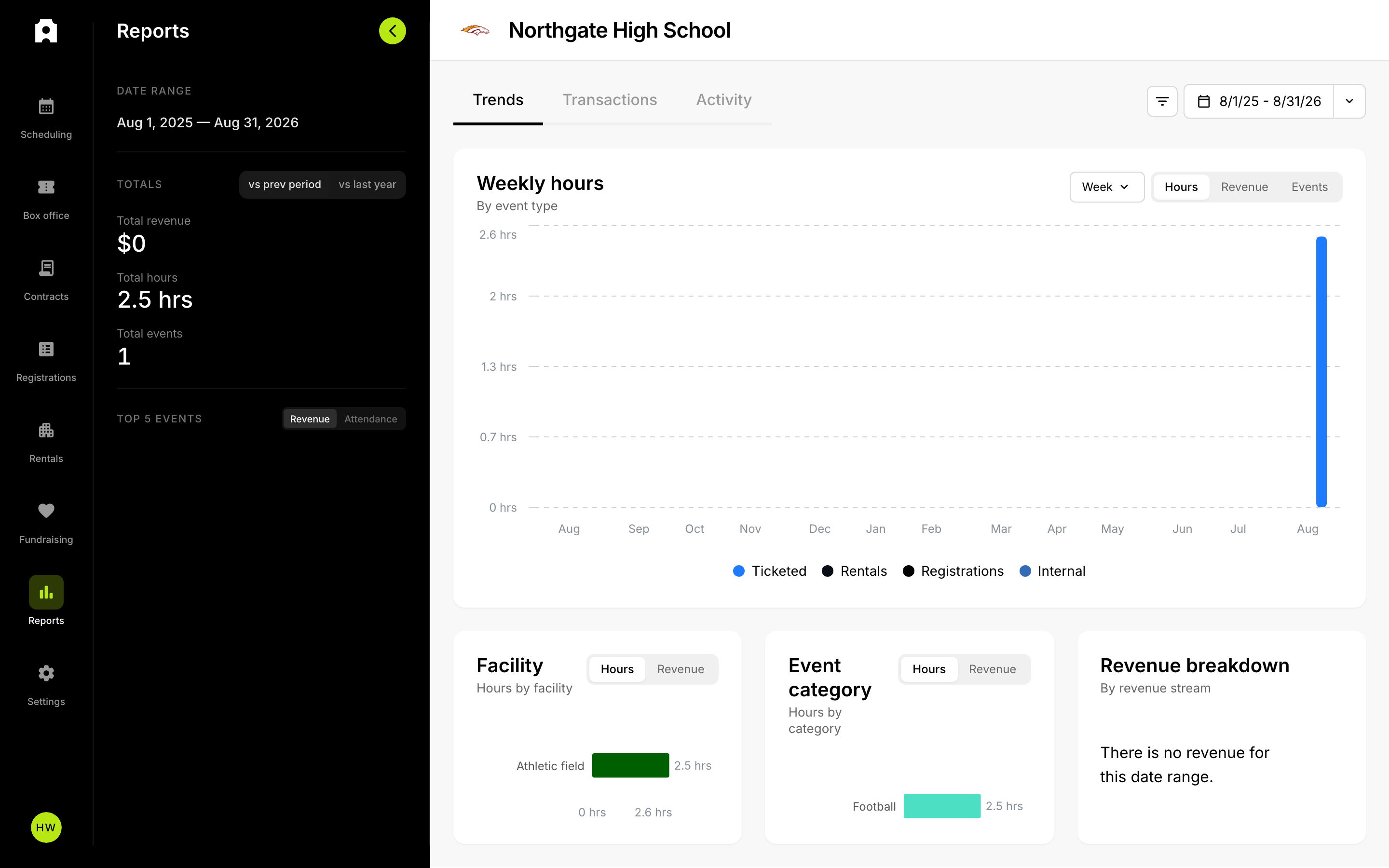 The Reports section.
Exporting Reports
To export your data, open the Reports section, choose the Trends or Transactions tab, set the date range you want (and, if you need it, a facility filter), then use the report action to download a spreadsheet (.xlsx). There is no separate report type to pick first: the tab you are on and the filters you have set determine what the download contains.
How do I export a report?
- Open Reports from your dashboard.
- Choose the Trends tab for summaries and charts, or the Transactions tab for individual line-item sales.
- Set your date range using a preset or a custom start and end date.
- Optionally apply a facility filter to limit the export to one facility.
- Use the report action to download the spreadsheet.
The file downloads as a spreadsheet (.xlsx) that you can open in Excel, Google Sheets, or Numbers. Amounts, dates, and organizational details are formatted using your institution's settings and time zone.
What's in a Trends export?
Exporting from the Trends tab produces a workbook that mirrors what's on screen for the selected range. It includes a context sheet noting your date range and facility filter, the over-time activity (hours, events, and revenue), and the facility, event category, and revenue-stream breakdowns. Only the sections that have data for your range are included.
What's in a Transactions export?
Exporting from the Transactions tab produces one sheet of individual transactions for the selected range. The export reflects the columns you have visible — if you hide or reorder columns in the table, the download matches that view. Available columns include Date, Payout Date, Customer, Title, Category, Item, Quantity, Source, Discount, and Total.
Very large transaction exports are capped at 10,000 rows; if you hit the cap, narrow your date range and export again to capture the rest.
Tips
- Set the date range and facility filter before exporting — the download always reflects the current filters.
- On the Transactions tab, adjust which columns are visible first so the spreadsheet contains exactly the fields you need.
- For a summary suitable for a board or finance meeting, export from Trends; for reconciliation against payouts, export from Transactions.