
Welcome to Admittee
Get oriented with Admittee — create events, sell and share tickets, admit guests on event day, and find where to go next.
Welcome to Admittee — a 2-minute tour.
Admittee helps your school or organization sell tickets, collect donations, schedule facilities, and admit guests on event day — all from one dashboard. Here's the lay of the land so you know where to go next.
Create your first event
- Go to your dashboard and select New event.
- Enter a name, date, and venue.
- Add one or more ticket types with prices.
- Publish the event. Admittee generates a public page and a shareable link your community can use to buy tickets right away.
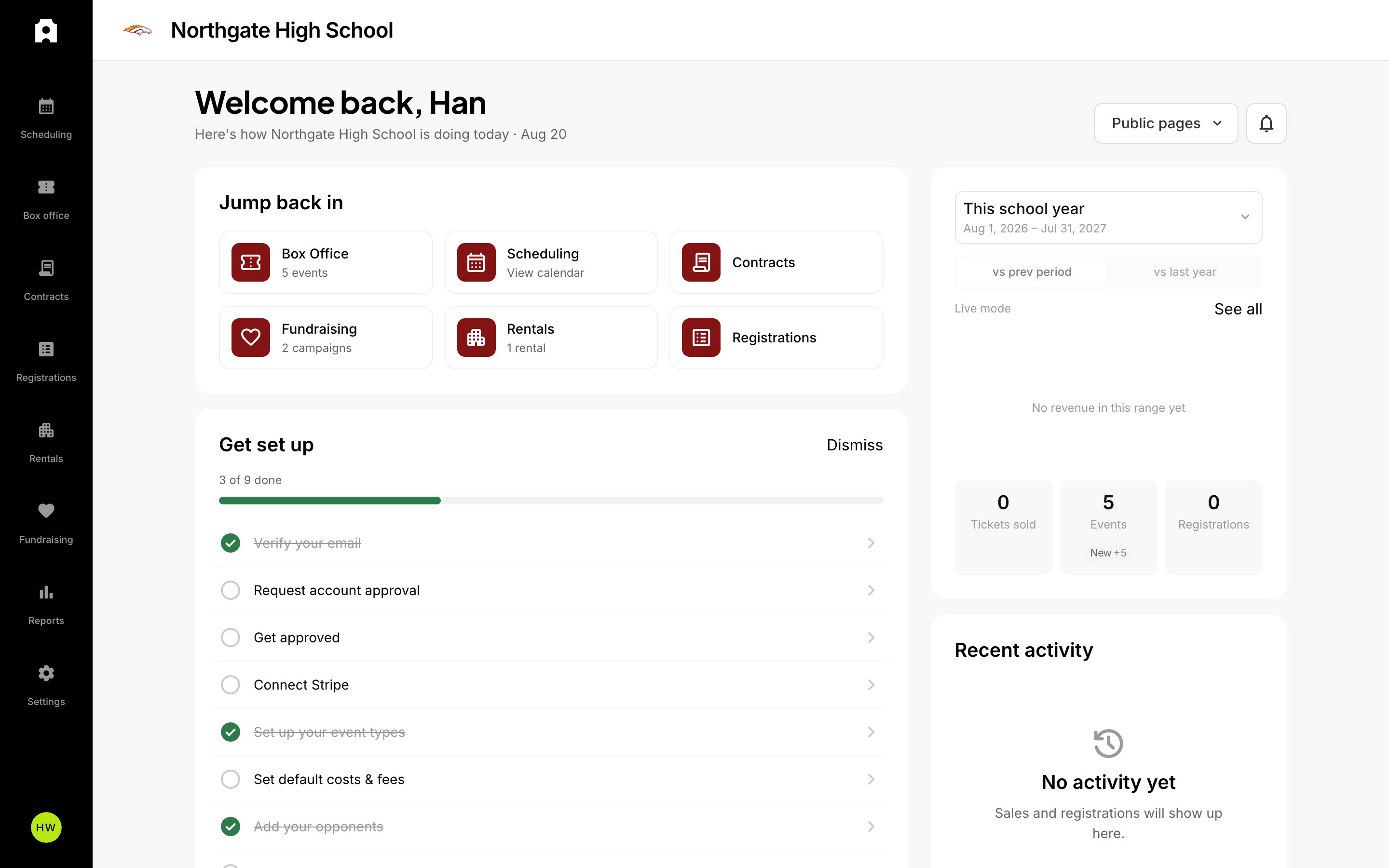 The Admittee dashboard.
Sell and share tickets
Buyers receive tickets by email and can add them to Apple Wallet or Google Wallet. You can sell online, in person, or both. Every ticket tracks whether it was sold in test or live mode, so you can practice before going live.
Admit guests on event day
Use the Event Day app to scan tickets at the gate. Each ticket can only be admitted once, and you'll see live counts as guests arrive.
Get oriented
When your account is created, Admittee sends you a welcome email with three quick links:
- Log in to your account to continue setting up.
- Watch the quick intro video to get a feel for how Admittee works.
- Visit the Help Center for tips and best practices.
You can also reply to the welcome email if you have questions — the Admittee team will get back to you.
Where to go next
Browse the categories on the Help Center home page for step-by-step guides on tickets, donations, facility scheduling, and reporting.