
Promoting Your Fundraisers
Promote a fundraiser by sharing its public page link everywhere your community gathers and turning on the donor wall, goal bar, and preset amounts.
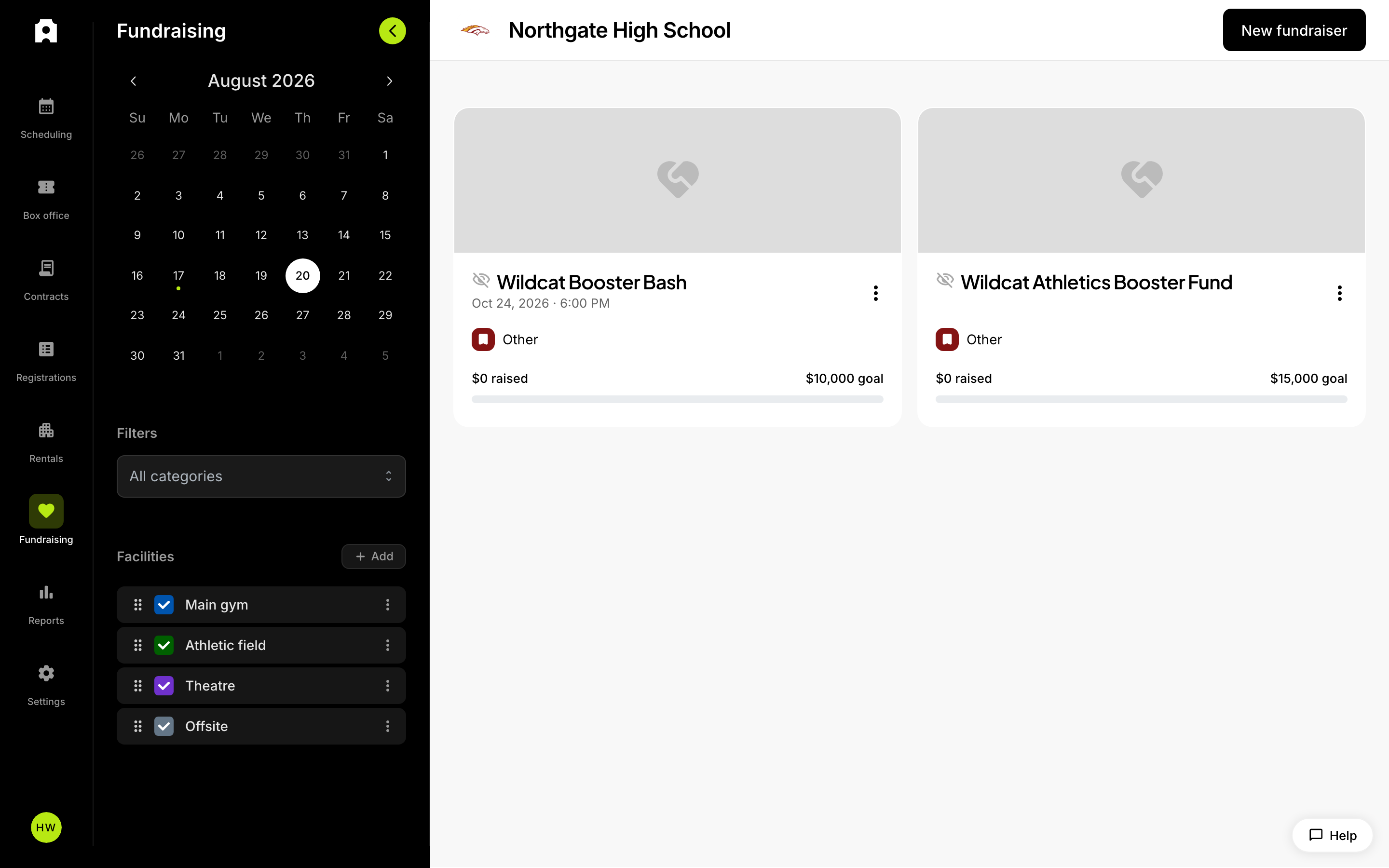 Your fundraisers in the Fundraising section.
Promoting Your Fundraisers
To promote a fundraiser, share its public landing page link wherever your supporters already are (email, text, social, your website), and turn on the features that make giving feel rewarding: the donor wall, preset donation amounts, and a visible goal progress bar. Every fundraiser you publish gets its own link that anyone can open and donate from without an account.
Know which kind of fundraiser you're promoting
Admittee gives you two fundraising surfaces, and each has its own public page:
- A donation page is give-only. Supporters choose a preset amount or enter their own, add their name, and donate.
- A fundraiser event combines ticket sales with donations on one page, so supporters can buy tickets and add a gift in the same checkout.
Both have a public link you can share, and both show goal progress and a supporter wall. The differences are called out below where they matter.
Where to get your link
Every fundraiser event and donation page has its own public landing page. Open the fundraiser and copy its public link, then share it through the channels your community uses:
- Email and text message to families, alumni, and boosters.
- Your school or athletic department website and social media.
- Announcements at games, concerts, and other events.
- Newsletters and parent communications.
If your website team can add embedded content, your fundraiser page can also be embedded directly into a page on your site, so supporters give without leaving it. The embedded page adjusts to the space you give it.
Add a banner image before you share
Both donation pages and fundraiser events support a banner image at the top of the page. Upload one that shows the team, program, or students the money supports — it's the first thing a supporter sees when your link opens, and it makes your posts and emails look intentional rather than generic.
How the landing page encourages donations
What shows on the landing page to encourage donations?
- A goal progress bar showing how much has been raised and how far you are from your goal.
- A running count of gifts — on a fundraiser event, this combines tickets and donations — that signals broad community support.
- Preset donation amounts as one-tap buttons, plus a custom-amount option, so donors don't face a blank field.
- The option to cover the processing fee, when you've set the fundraiser to let donors decide who pays fees. If you've set fees to be paid by the donor or by your organization, the page applies that automatically and no checkbox appears.
- A supporter wall recognizing donors by name at the bottom of the page.
After a gift goes through, the donor sees a thank-you confirmation and receives a receipt by email at the address they entered.
How the supporter wall helps promotion
When the supporter wall is in use, donors can enter their name as they give, and their names appear in a supporter list on the page. Public recognition thanks existing donors and gives new visitors social proof that people are giving. Donors who prefer privacy can choose to give anonymously; anonymous gifts are left off the wall.
How supporters share your page
Donation pages include a Share option on the page, so a supporter can pass the link to their own network in a few taps. A supporter sharing with friends is your most effective promotion — ask for it directly in your posts and emails ("share this with three people who love this program").
One thing we could not confirm from the current behavior: whether donors are automatically prompted to share again immediately after completing a gift. Treat sharing as something to ask for in your own messaging rather than something that happens on its own.
Time your promotion around the fundraiser's open dates
If you set start and end dates on a donation page, the donate form only appears while the fundraiser is open. Outside those dates, visitors see a status message with the dates instead of a form. Plan around that:
- Don't send your launch email before the open date — early visitors can't give.
- Send your final push while the page is still open, not on the closing day after it ends.
- If you extend a campaign, update the dates before re-sharing the link.
How to keep momentum going mid-campaign
- Re-share the link when you hit milestones, such as "We're halfway to our goal!" The live progress bar makes these updates concrete.
- Ask coaches, teachers, and staff to pass the link to their teams and classes.
- Point to the supporter wall in your updates — naming recent donors gives people a reason to look at the page again.
- Post a fresh reminder if donations slow down; a single well-timed share often restarts activity.