
How to Recover Lost Tickets
Buyers recover lost tickets from your events page with Find my tickets, verifying their checkout email by one-time code to re-view, download, or resend.
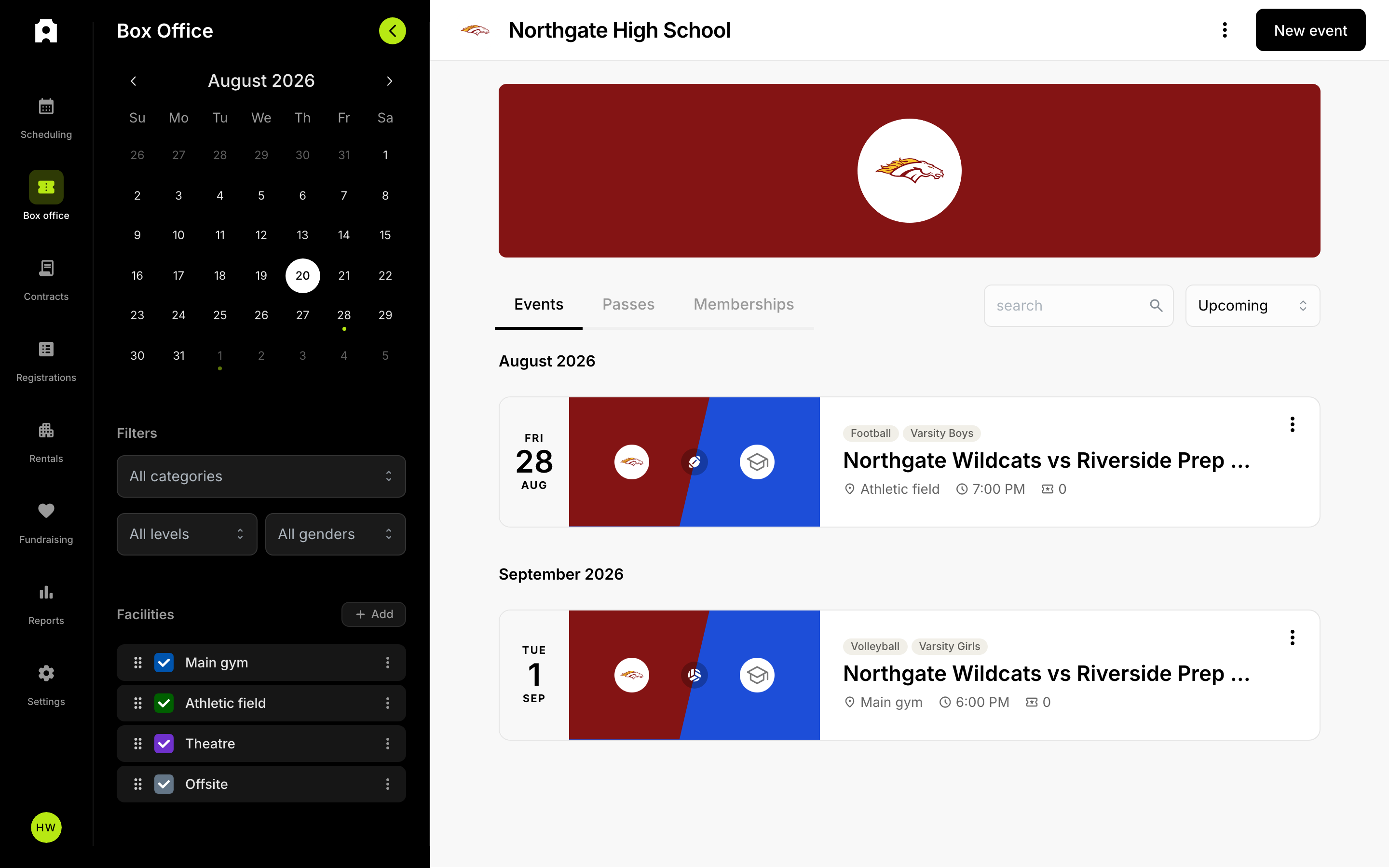 Find an event and its buyers from the Box Office.
How to Recover Lost Tickets
Buyers recover lost tickets themselves from your organization's public events page using the "Find my tickets" tool: they enter the email address used at checkout, verify it with a one-time code sent to that email, and then re-view, re-download, or resend their tickets. The email address used at checkout is the key to recovery, so no ticket is ever truly lost as long as the buyer knows which email they used.
How does a buyer recover their own tickets?
Anyone who bought tickets can retrieve them without contacting you. Share these steps with a buyer who has lost their tickets:
- Go to the organization's public events page.
- In the "Can't find your tickets?" section, select Find my tickets.
- Enter the email address used at checkout and choose Send verification code to email.
- Open the email and find the 6-digit one-time verification code.
- Enter the code to view every purchase made with that email address.
If the code doesn't arrive, the buyer can select Resend code, or Change email to try a different address. Codes are sent only to the email on the purchase, which is what confirms the tickets belong to that person.
What can a buyer do once they've found their tickets?
After verifying, the buyer sees a list of their purchases. For each one they can:
- View the tickets, which opens the receipt page where they can add the tickets to Apple Wallet or Google Wallet again.
- Resend the confirmation email so a fresh copy arrives in their inbox.
This covers the most common recovery cases: a deleted confirmation email, a ticket removed from a phone's wallet, or a buyer switching devices.
What if the buyer used a different email?
Tickets are tied to the email address entered at checkout. If a buyer can't find any tickets, the most likely reason is that they're looking under the wrong email. Have them try each address they might have used, including a spouse's or family member's email, and check spam or promotions folders for the original confirmation.
How can I help as an operator?
The fastest resolution is almost always to guide the buyer through Find my tickets on your events page, since it lets them recover and resend tickets on their own. When a buyer contacts you, the most useful thing you can do is help them identify the exact email address used for the purchase, then point them to the self-service tool. Encourage buyers to save their confirmation email and add tickets to their phone's wallet at purchase time so they always have a backup.