
Creating a Membership Program
Set up a tiered booster or membership program, add tiers with pricing and passes, choose when sales open, and publish it.
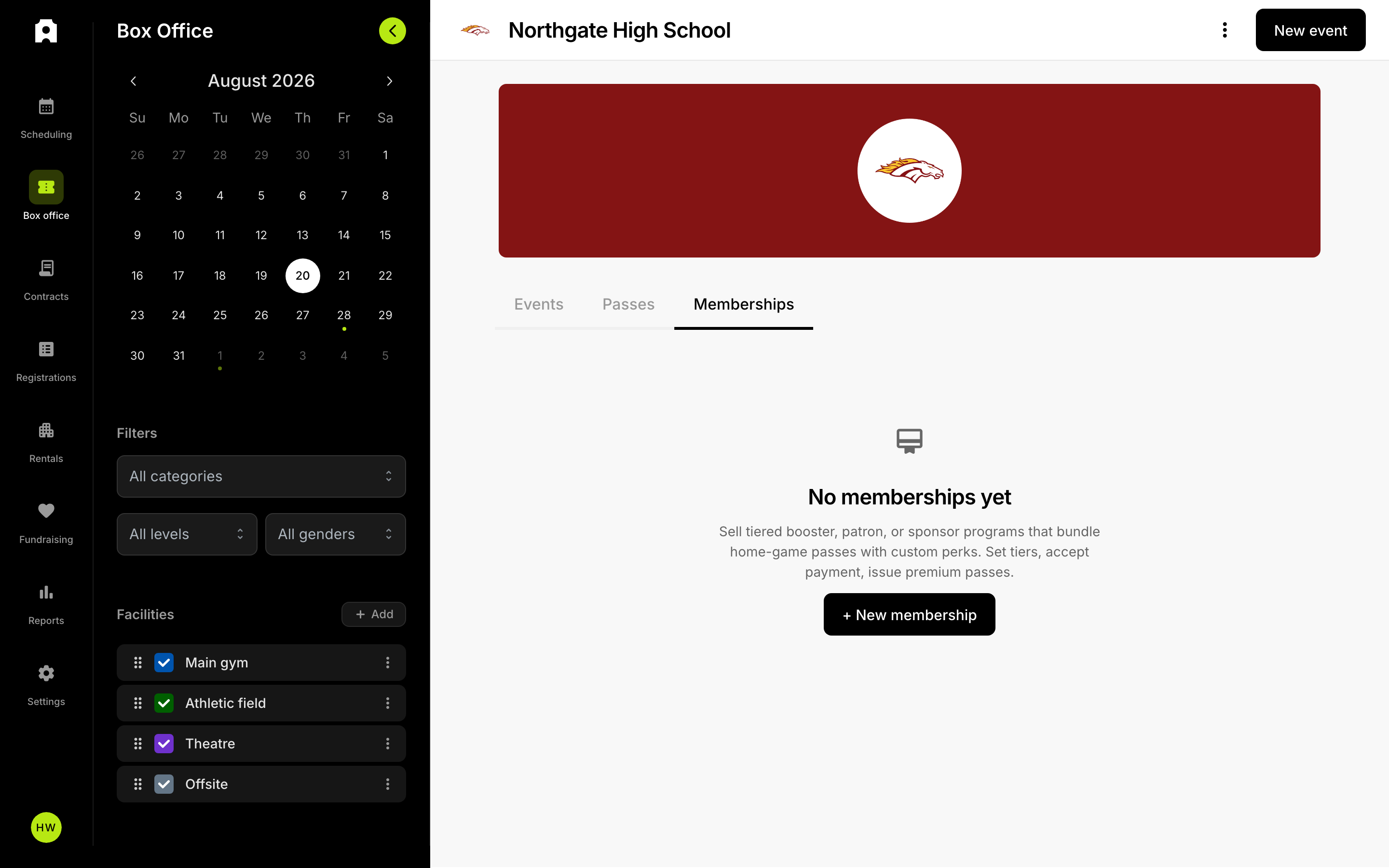 The Memberships tab in Box Office.
If you want supporters to buy into a booster club, patron circle, or sponsor program at different levels, you can build that program in Admittee. By the end of this article you will have a program with one or more tiers, each with its own price, perks, and number of passes, a window of time when it is on sale, and a public page supporters can buy from.
A pass is one ticket that admits someone to several events. A tier is one purchasable level of your program, such as Bronze, Silver, or Gold. Each tier issues a set number of passes every time someone buys it.
Create the program
A membership program is a kind of pass, so it lives alongside your other passes.
- Go to Dashboard, then Box Office, then the Memberships tab.
- Create a new membership program. It opens on its Details tab as a draft, which means nobody can see or buy it yet.
- Enter the Program name. This is the title supporters will see, and it also becomes the program's name in your dashboard list.
- Set the Department, for example Athletics or Performing Arts, to categorize the program.
- Optionally add a Subtitle, and link Categories so the program is associated with the right events.
- Optionally add a description so supporters know what the program supports.
Your changes save as you work, so you can leave the page and come back to a half-finished program.
Add tiers
Each tier is its own level that supporters can buy. Use Add tier, then fill in the tier card:
- Tier name and Price — the name and cost shown to buyers.
- Comparison — an optional crossed-out price shown next to the real price to show value.
- Passes — how many passes one purchase of this tier issues, from 1 to 9. Use 2 for a program where each membership admits a pair.
- Inventory — an optional cap on how many of this tier can sell. Leave it blank for unlimited.
- Tier Perks — the list of benefits shown on the tier, such as reserved parking or a program listing.
- Next step confirmation instructions — short title-and-description steps shown to the buyer after they pay, for example where to pick up a parking hangtag.
- Accent color and Ticket color — the color theme for the tier on the shopping page and the color of the pass itself.
Drag the tier cards to change the order supporters see them in. Each card shows how much inventory is left and any deadline you have set.
Set when the program is on sale
In the Settings section:
- Set Sales open — the date and time the program becomes purchasable.
- Optionally set Sales end — after this time the program shows as sales closed.
- Turn on Enable seasons if the program should be tied to your recurring seasons, then pick the seasons it applies to.
You can also add program-wide Membership notes and attachments, which appear below all of the tiers on the public page. Use these for a letter from the athletic director, a perks chart, or a mail-in form.
Publish the program
Publishing is what makes the program visible to supporters. Until you publish, it stays a draft that only your staff can see.
- On the program's Details tab, publish the program.
- Check the program's public status. It will read as not yet open, live, sales closed, or sold out depending on your sales window and inventory.
A published program is only purchasable once the Sales open time has passed. You can unpublish at any time to pull it back out of public view.
Duplicate an existing program
If you run the same program each year, you can duplicate it instead of rebuilding it. The copy is created as a draft named "Copy of" the original, and it carries over the tiers, perks, artwork, and any custom form attached to the original. Open the copy, update the program name, pricing, and sales dates, then publish when you're ready.
Edit a live program
You can keep editing a program after it is published. Saved changes to tier pricing, perks, and colors take effect on the public program page right away. If you change the artwork or details that appear on the pass face, passes already added to Apple or Google Wallet are refreshed automatically — supporters do not need to re-download them.
What buyers see
On the public program page, supporters read your description and notes, compare the tiers, pick one, and check out. Each purchase issues that tier's number of passes, and buyers can add those passes to Apple Wallet or Google Wallet. If a tier reaches its inventory cap it shows as sold out; if every tier is capped out, the whole program shows as sold out.
What happens if someone tries to buy before sales open?
They can see the program page but cannot check out. Instead of a buy button they see a notice telling them when sales open. This is useful if you want to announce the program early and start taking money on a set date.
What happens to passes people already bought if I edit a tier?
Changes you save are reflected in the passes supporters already hold. If you change something that affects how the pass looks, such as the tier name, price, or Ticket color, passes already added to Apple Wallet are refreshed automatically — the holder does not need to delete and re-add anything. Changing a tier's Passes number does not change how many passes past buyers received; it only applies to purchases made after the change.
What if I need extra information from buyers?
Turn on the custom form option in the program details and build a form. Buyers fill it out at checkout, so you can collect things like a jersey size, a student's name, or how they want to be listed in the program. Responses are tied to the purchase.
How do I see how the program is selling?
Open the program and switch to its Reports tab. You will see sales over time along with a breakdown by tier, so you can tell which levels are selling and how much inventory is left.
Can I reuse the program next year?
Yes. Duplicate the program instead of building it again. The copy is created as a draft named "Copy of" followed by the original name, and it brings the tiers and any custom form with it. Rename it, update the prices and the Sales open and Sales end dates, then publish the copy when you are ready. The original program is untouched.