
Cancelling an Event and Refunding Buyers
Call off a ticketed event and refund every card buyer in one action, with a clear preview of exactly what will happen before you confirm.
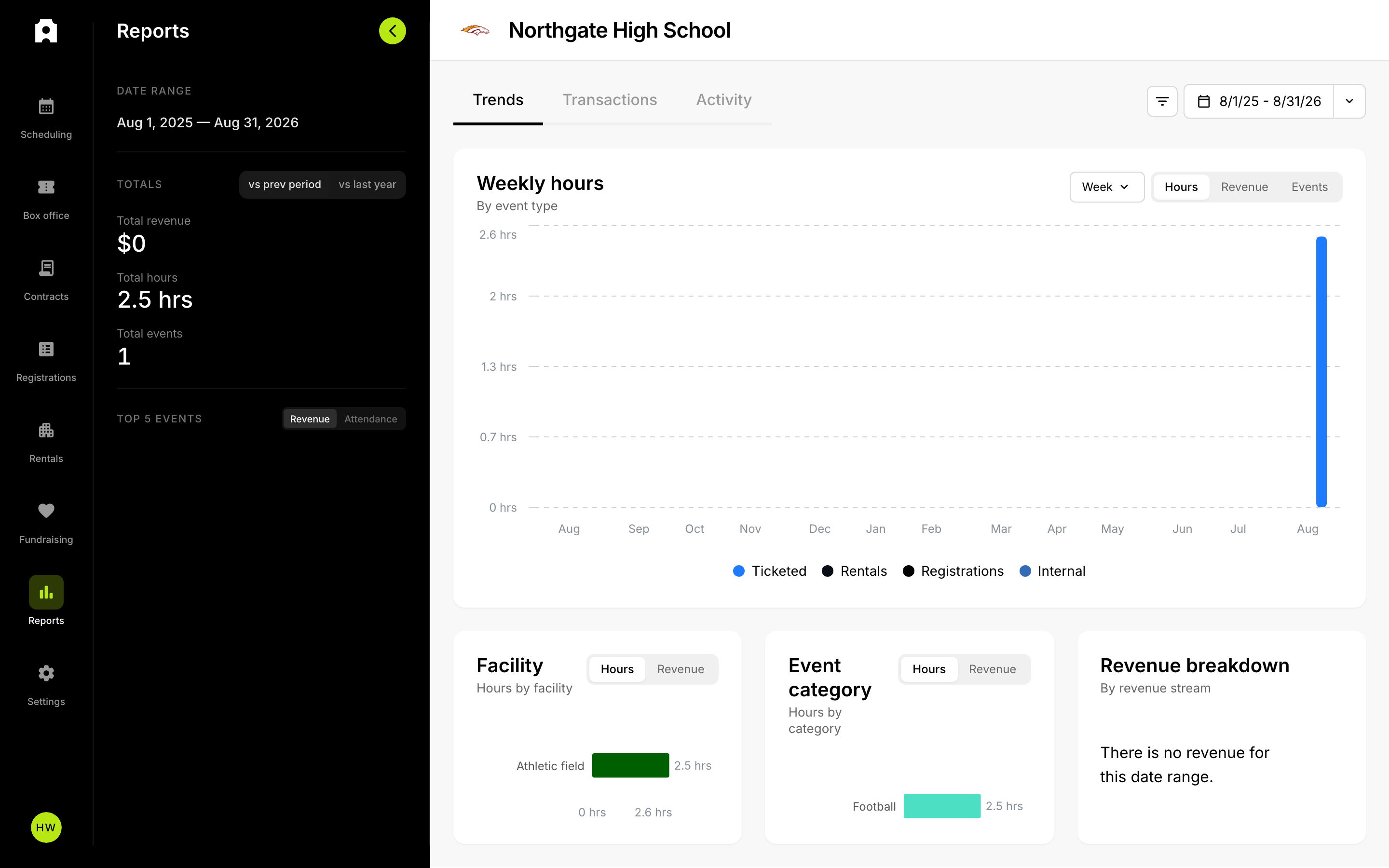 Manage event finances from the Reports area.
When you need to call off a ticketed event, you can unpublish it and refund your buyers in a single action. Before anything happens, you see exactly how many purchases and tickets are affected and the total dollar amount that will be refunded, so there are no surprises.
Who can do this
This action is only available to staff with an Admin, Manager, or Finance role. If you do not have one of those roles, the option will not appear for you.
How to cancel an event and refund buyers
- Open the event's details page and go to the Reports tab.
- In the reports table toolbar, click the three-dot More actions menu.
- Choose Cancel event & refund all….
- Review the impact summary: the number of purchases, the number of tickets, the total refund amount, and any cash or manual purchases that need a separate follow-up.
- Type the event's exact title into the confirmation box.
- Click Cancel event & refund to start the run.
- Watch live progress in the toast notification. Refunds process in the background.
- Check the final status banner at the top of the event page. If a run stopped early, click Retry refunds.
What gets refunded, and what does not
Only card purchases are refunded automatically. Cash purchases and any purchase without a card payment are flagged as needing a manual refund, and you handle those yourself. Comp and free tickets are skipped. Refunds follow whichever mode the sale used, so test-mode and live-mode sales stay separate.
Before you confirm
This action cannot be undone. The event is unpublished, refunds move real money, and every ticket holder is emailed that the event was cancelled along with the truth about their own refund. That is why you type the event title to confirm. The person who cancels is recorded in the event's activity history.
The menu item is turned off, with a reason shown, when the event has no sold tickets, is already cancelled, or a run is already in progress.